Massage
Online booking for massage
Customers book a massage at any hour, and you don't interrupt a treatment to answer the phone. Confirmations and reminders go out on their own.
Or try the admin, as an owner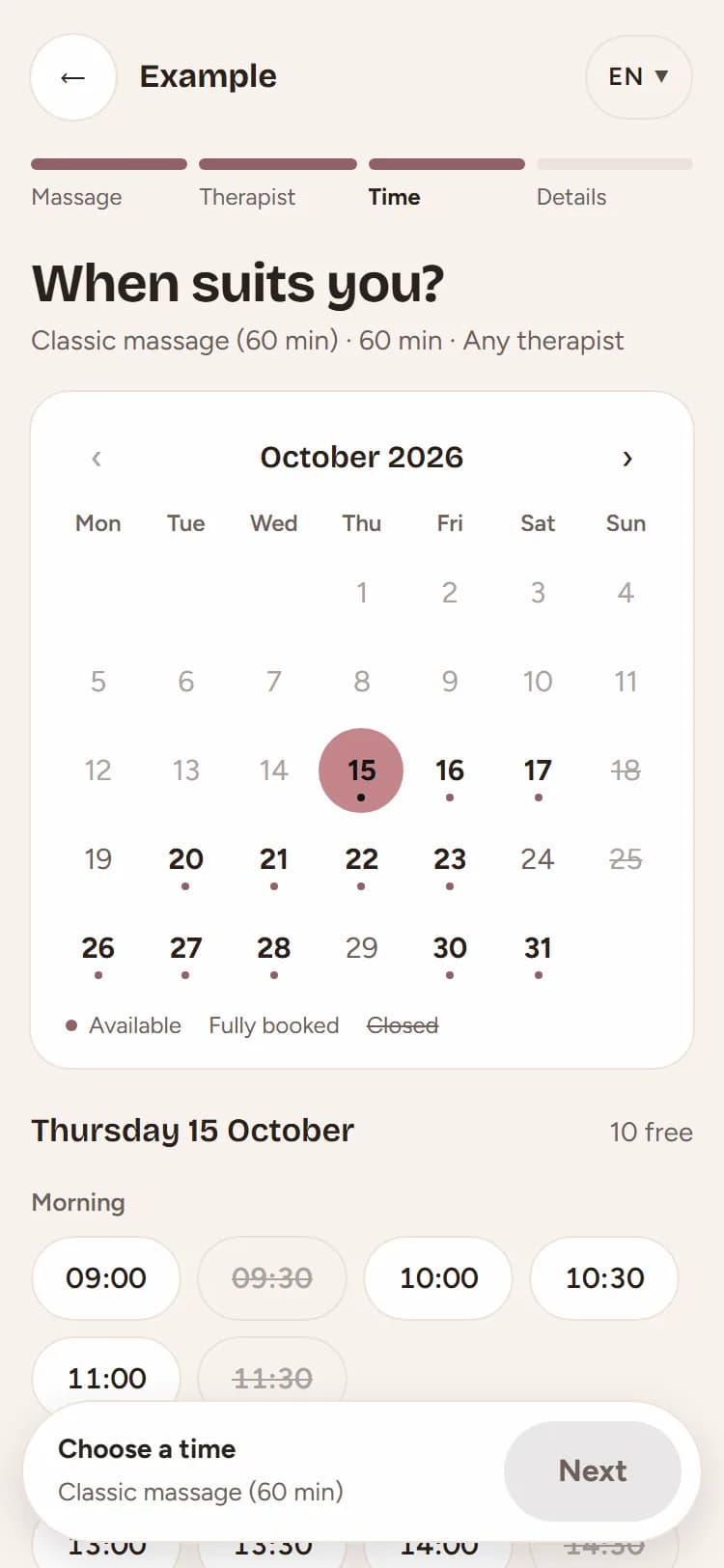
What you get
Time to get ready between massages
After every massage there is time to get the room ready, as much as you set for that massage. The next appointment starts only after it.
For local and foreign guests
The booking page and emails come in these languages: Croatian and English. Guests choose the language and get their confirmation and reminder in the language they booked in.
Cancellations in good time
You set the cancellation deadline yourself, for example 12 hours before the appointment. When someone cancels, customers on the waiting list get an email about the free time.
Massages you start with
When we set up your business, you get these massages from the template. Change names, durations and prices whenever you like, and add as many as you need.
- Classic massage (60 min)60 min
- Classic massage (30 min)30 min
- Sports massage60 min
- Aromatherapy massage60 min
Frequently asked questions
Can the same massage last 30 or 60 minutes?
Yes. Each length is a separate service, for example “Classic massage (30 min)” and “Classic massage (60 min)”, each with its own price.
I work alone. Can I use online booking?
Yes. Booking works the same for one person and for a whole team, and you can add colleagues whenever you need to.
How do I protect myself from fake bookings?
You can ask new customers to confirm their email with a code before booking, limit the number of upcoming appointments per person, and block unwanted customers.
Who else ubooq is for
- Barber shop
- Hair salon
- Beauty salon
- Physiotherapy
- and other service businesses
Want online booking for your business?
The first month is free: get in touch and we will set up your business, with the template and look for your line of work. Or try the demo first to see how booking looks.