Launching ubooq: online booking for service businesses
ubooq is an online booking platform for barber shops, hair and beauty salons, massage and physiotherapy. Here is what it does and how to get started.
On this page
Many service businesses still arrange appointments by phone and messages, often in the middle of work. ubooq changes that: customers book by themselves, at any time of day, and you get a calendar for the whole team. Confirmations and reminders go out by themselves.
Who it is for
ubooq is for businesses that work by appointment: barber shops, hair salons, beauty salons, massage and physiotherapy, and for other service businesses too.
Each kind of business gets its own terms, its own services from a template and a recommended look. In physiotherapy, for example, people don't book "a service with a staff member" but a treatment with a physiotherapist, and the calendar shows patients.
For your customers
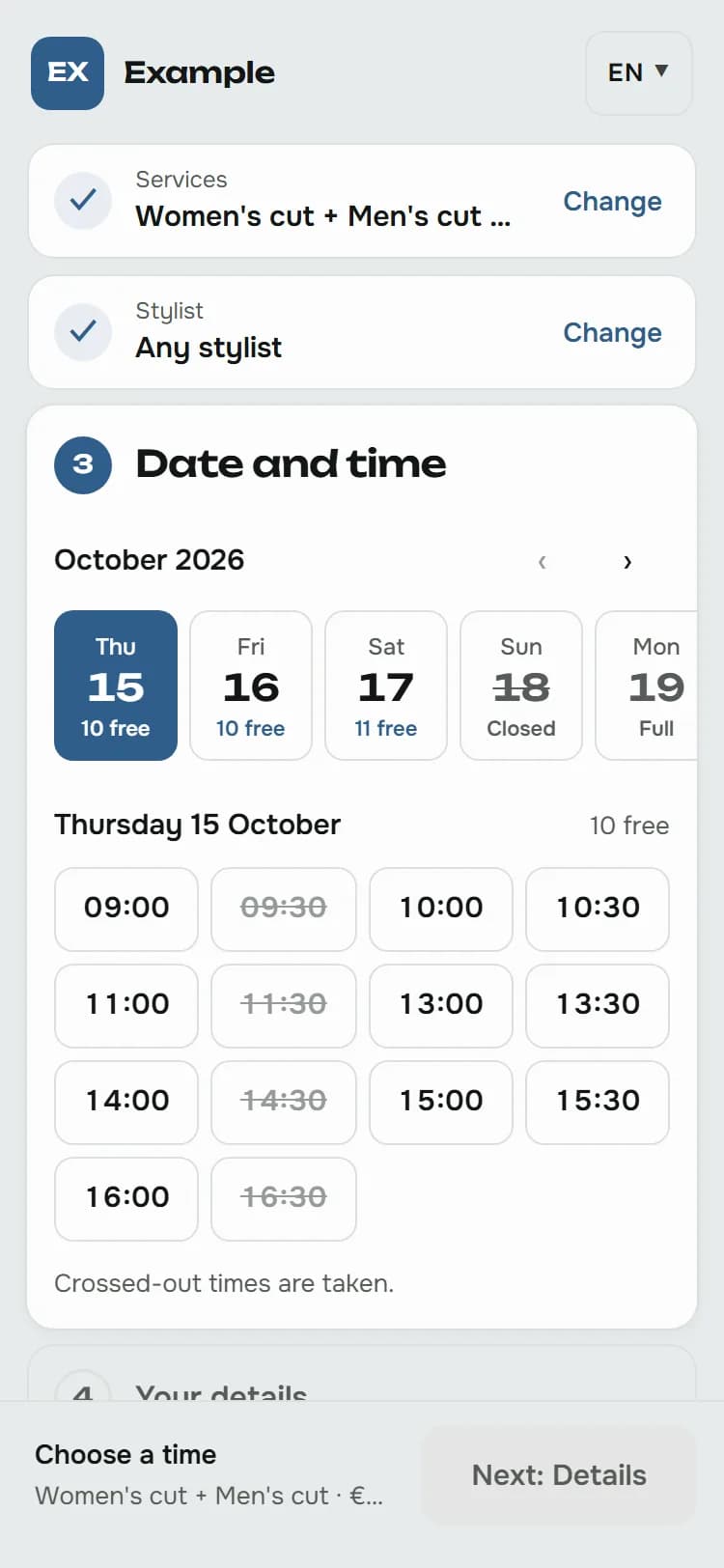
- Booking around the clock. The customer chooses a service, a staff member and a free time, enters their name, phone and email and gets a confirmation at once. No account or app needed.
- Reminder. A reminder arrives by email before the appointment, and the confirmation carries an invitation that adds the appointment to the calendar on their phone.
- My appointment. From every email, customers move or cancel their appointment themselves, within the deadlines you set.
- Waiting list. When a day is full, customers join the waiting list and get an email as soon as a time frees up.
For you and your team
- A calendar for the whole team, on the computer and on the phone. Add the admin to your phone's home screen and open it like an app, without an app store.
- Clear permissions. The owner edits everything, the front desk handles every staff member's appointments and the customers, and staff members their own appointments, working hours and time off.
- Today. The next appointment, free times and what still needs doing, in one place.
- Cancel a day. When someone suddenly can't work, cancel or move all of a day's appointments at once. Customers get a message with free times to book again.
- Analytics. Utilisation, revenue, the most popular services and the most loyal customers, for the whole business or for each staff member.
Your name and your address
The booking page carries your name, logo and colour, in one of three templates. It is ready at once at yourbusiness.ubooq.com, and you can move it to your own domain, e.g. booking.yourbusiness.com, or embed it in your website.
Emails to customers arrive in your business's name and in the look of your booking page, and when a customer replies, the reply comes to you.
Reliable, and careful with data
- Two people can't book the same time. The database itself checks this, even when two people book in the same second.
- New customers confirm their email with a code, which makes bookings under someone else's address much harder.
- Your customers' data belongs to your business. ubooq processes it only on your behalf, under the data processing agreement. The servers and the database are in the European Union.
- The booking page uses no cookies or tracking tools.
In Croatian and English
The booking page and the emails exist in Croatian and English, and you choose which languages you offer. Customers get their emails in the language they booked in.
How to get started
- Try the demo: choose a kind of business, a template and a colour, and book an appointment as a customer. Nothing is saved and nothing is sent.
- Get in touch and tell us a little about your business. We'll send you an offer.
- We set up your business with the services and the look for your line of work, and the owner gets an invitation to the admin. The First steps article leads from the first sign-in to the first online booking.
What comes next
In the guides we write practical advice for owners: how to reduce no-shows, how to add booking to your website, Instagram and Google and what a business should know about data protection. Here on the blog we'll share news.